Grades K-5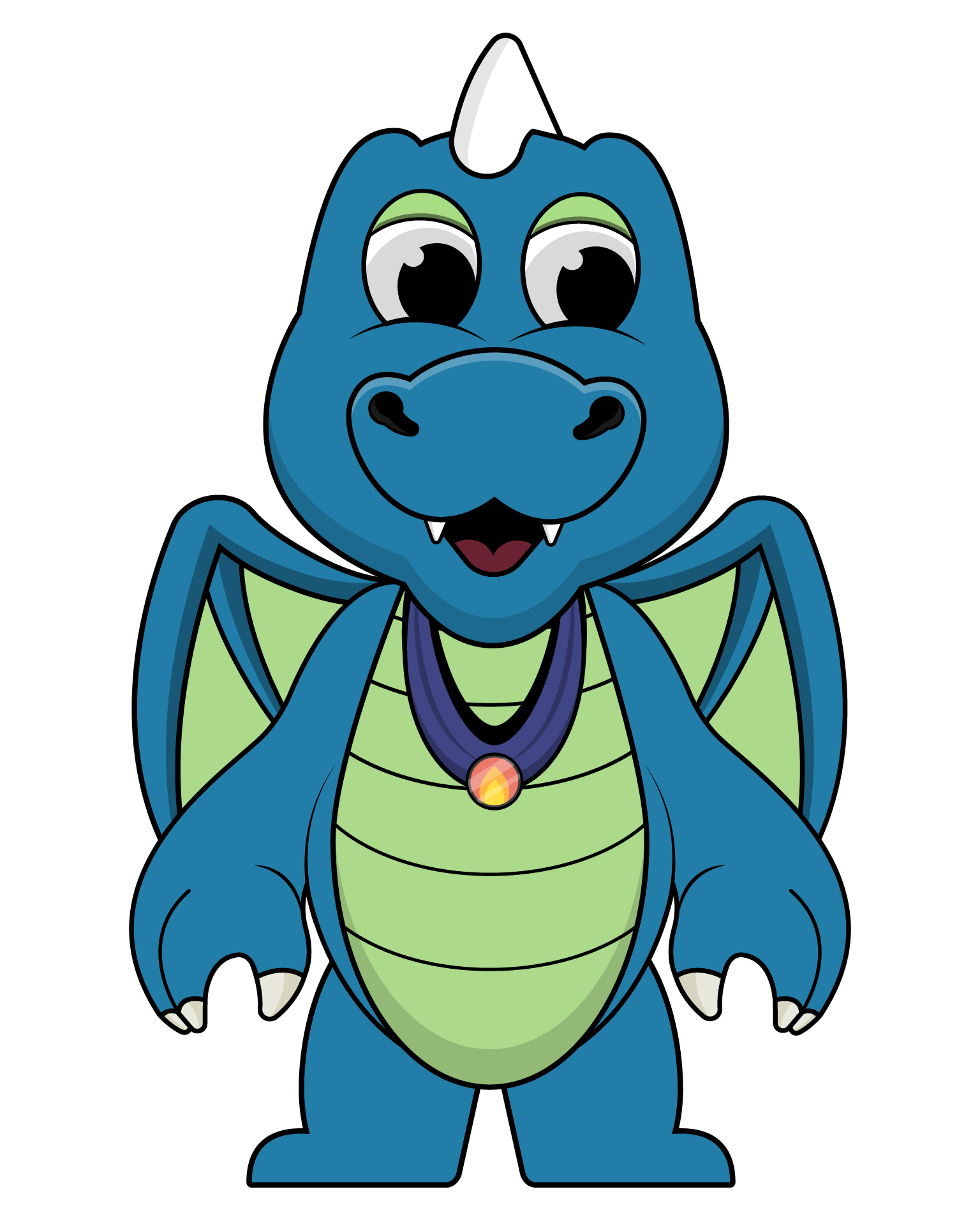
Build a game: Shark Eat Fish
Snap blocks together to make a real game: Sharky swims, eats fish and scores points.
Students make: a playable shark game with a score, lives and a second stage.
60 minutes · No typing · 9 lessons

CS Education Week · December
Five ready-to-run coding activities for grades K-8. Each takes one hour, comes with a lesson plan you can print, and ends with a certificate for every student. Perfect for an Hour of Code or Hour of AI.
Every one is real coding, guided step by step, and checks itself as students go. No installs, no kits: Chromebooks, iPads and computers all work.
Snap blocks together to make a real game: Sharky swims, eats fish and scores points.
Students make: a playable shark game with a score, lives and a second stage.
60 minutes · No typing · 9 lessons
Drag emoji that stand for real HTML tags and build a web page, then see the code it makes.
Students make: a real web page with a heading, paragraphs and a box to hold them.
60 minutes · Some typing · 6 lessons
Wire batteries, bulbs, buttons and buzzers to help the Codemoji crew. No kit needed.
Students make: eight working circuits, from a tent light to a doorbell.
60 minutes · No typing · 8 lessons
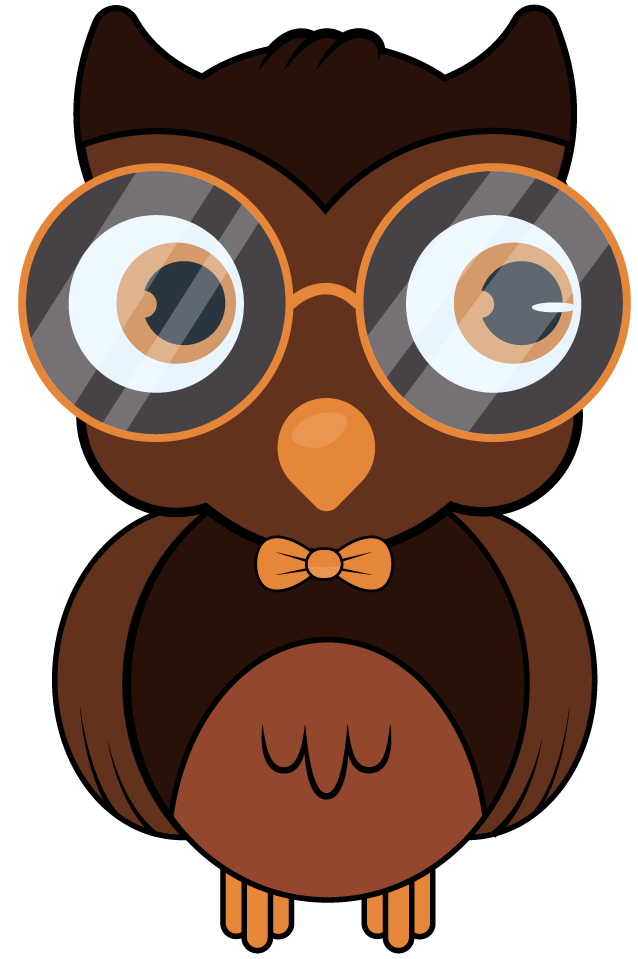
Crack three case files with Cody the robot: what AI is, how it learns, and when it gets things wrong.
Students make: three solved case files about how AI really works.
60 minutes · No typing · 3 lessons

Type real JavaScript to build Panda Catch: move the panda, drop apples, keep score.
Students make: a catching game written in real JavaScript.
60 minutes · Some typing · 6 lessons
Grades K-2
No typing. Pair up, and read the coach line together (or press the speaker to hear it).
Grades 3-5
Any of these. Games and circuits are the quickest wins; the AI detective sparks the best discussion.
Grades 6-8
Panda Catch for real typed JavaScript; the web page or circuits for a gentler start.
5 min
Warm-up
5 min
Get started
35 min
Build and code
10 min
Show and share
5 min
Wrap-up
Every lesson plan fills this in for its activity, with a warm-up away from screens to start.
Try it first
Do the first 10 minutes of your activity yourself. You will know where students pause.
Pair up
Two students, one device, swapping every few minutes. More talking, fewer stuck hands.
Guests or accounts
Guests can start right away. With your class code, progress saves and certificates are ready in your Certificates tab.
Celebrate
Show off games and pages at the end, and hand out certificates. It is the part students remember.
Certificates
When students finish an activity signed in to your class, their Codemoji Coding Hour certificate is ready in your class's Certificates tab. Running it with guests? Type their names and print a whole class at once.
Make my class

Certificate of achievement
Codemoji Coding Hour
This certifies that
Your Student
took part in the Codemoji Coding Hour and built: a playable shark game with a score, lives and a second stage
Activity: Build a game: Shark Eat Fish
Your name
Teacher · Your class
December 2026
Date